
pymmcore-widgets
pymmcore-widgets is a library of
Qt widgets for pymmcore-plus, meant for building your own
microscope GUI in Python. There are widgets for most of the things you do at the
microscope (channels, exposure, stages, device properties, configuration groups,
snapping and live mode, multi-dimensional acquisitions) and for setting it up (the
Hardware Configuration Wizard, pixel sizes, installing device adapters). Most of them
control a CMMCorePlus and follow its
events, so they stay in sync with each other and
with your own code. They are also the building blocks of
pymmcore-gui and
napari-micromanager.
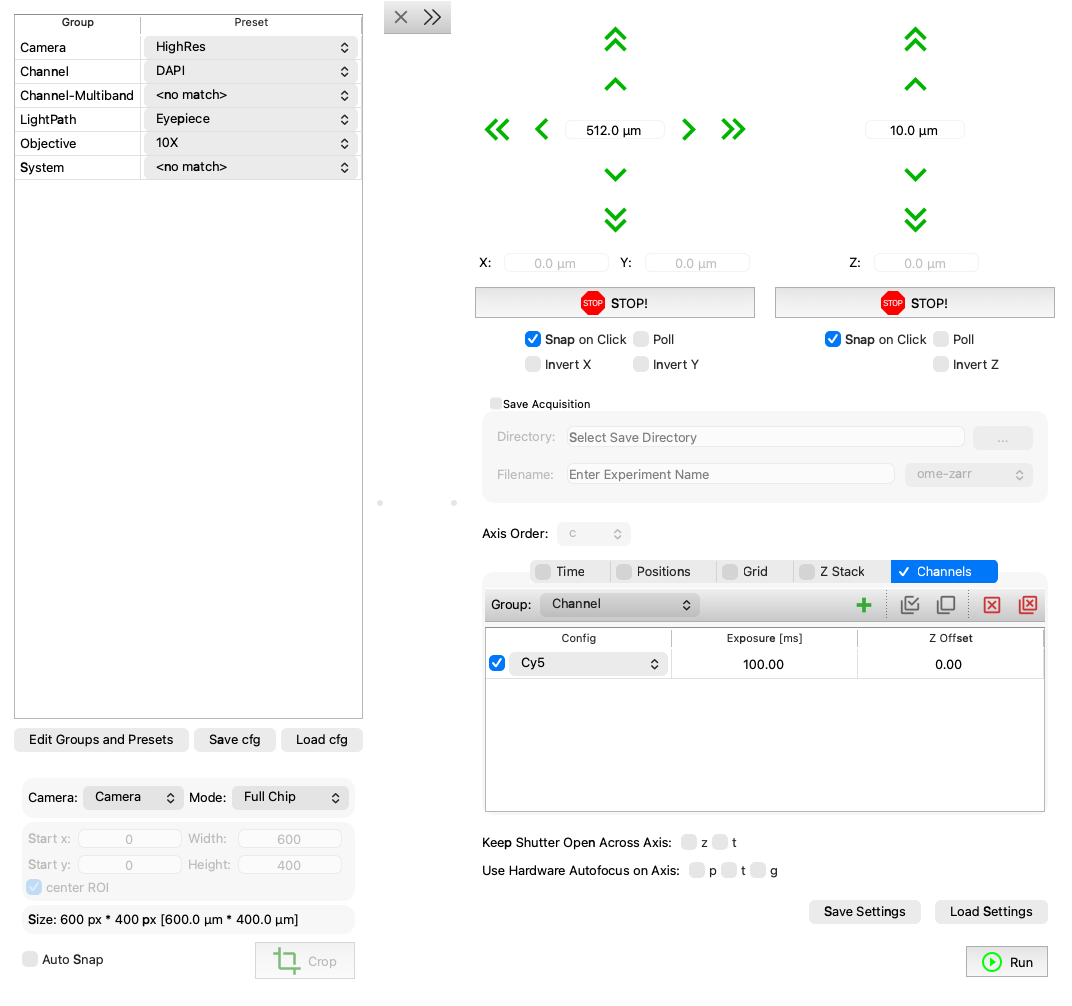
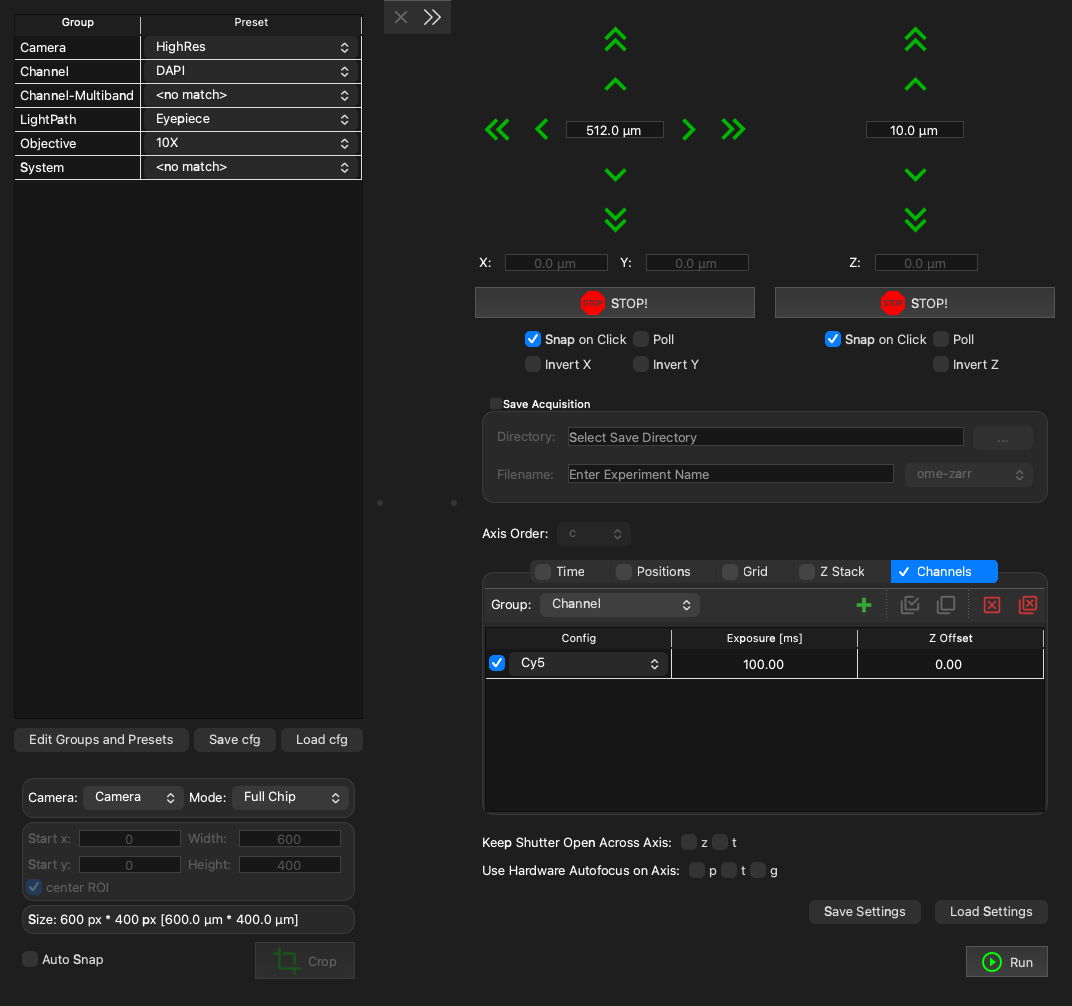
A few widgets in one window (the code is the StageExplorer example).
Where to start
- Your first GUI puts a few of them together in a window.
- The widget gallery shows each widget with a screenshot, and links to its page with a runnable example and the API.
- Building a custom GUI covers choosing a Qt backend, how widgets find their core, and a larger example.
- Qt integration explains how pymmcore-plus and Qt work together (and how to keep your GUI responsive).
API reference
Import widgets from the top-level package:
Each of these has its own page (listed under pymmcore_widgets in the
sidebar, and in the gallery). A few more specialized widgets live
in submodules: the sequence editors' building blocks in
pymmcore_widgets.useq_widgets (for
example WellPlateWidget and
PointsPlanWidget), and
StackViewer in
pymmcore_widgets.experimental.