
PixelConfigurationWidget
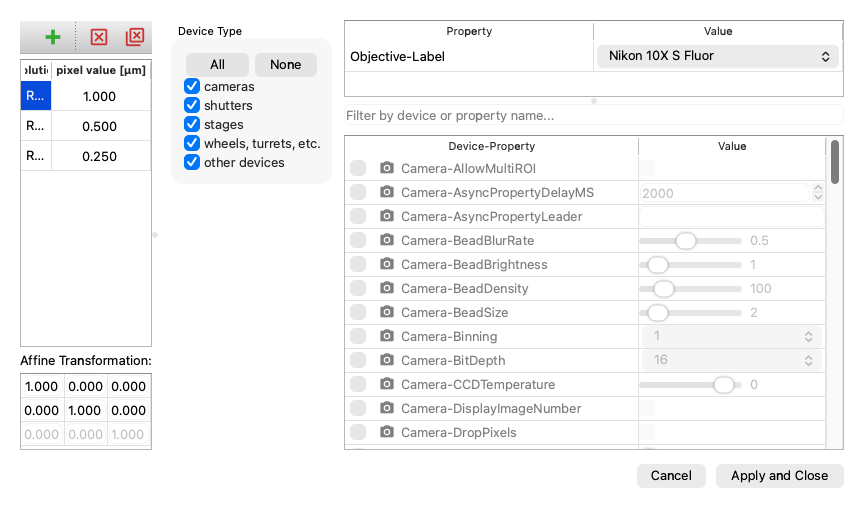
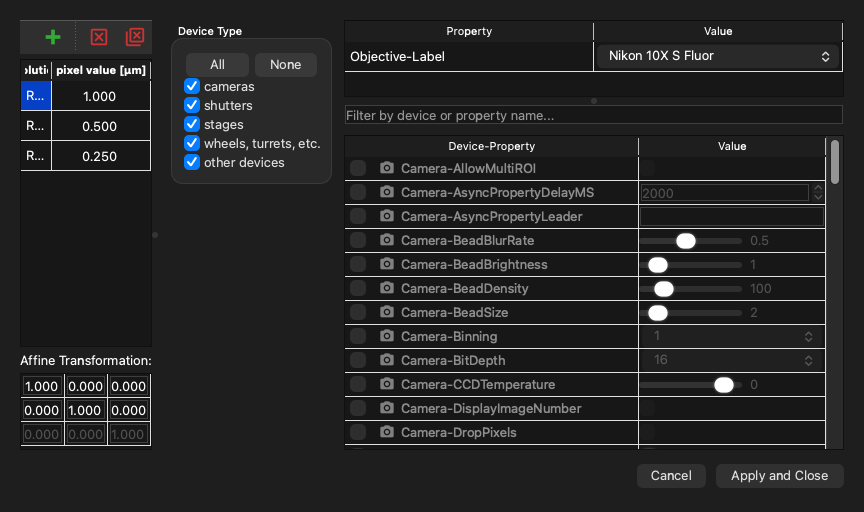
Example
| examples/pixel_configuration_widget.py | |
|---|---|
API
Bases: QWidget
A Widget to define the pixel size configurations.
Each pixel size configuration can be linked to any device and property. However, it's important to note that all pixel size configurations must include the same devices and properties. The only variation allowed between different configurations is in the values of the device properties.
Parameters:
| Name | Type | Description | Default |
|---|---|---|---|
parent
|
QWidget | None
|
Optional parent widget, by default None |
None
|
mmcore
|
CMMCorePlus | None
|
Optional |
None
|
-
API Reference
pymmcore-widgets
pymmcore_widgets - Getting Started Coming from Micro-Manager Where things went
- User Guide Controlling Hardware Using Your Own Microscope Groups, channels and pixel sizes
value() -> list[PixelSizePreset]
Return the current state of the widget describing the pixel configurations.
Returns:
| Type | Description |
|---|---|
list[PixelSizePreset]
|
A list of pixel configurations data
( |
Example:
output = [
    PixelSizePreset(
        name='Res10x',
        settings=[Setting('Objective', 'Label', 'Nikon 10X S Fluor')],
        pixel_size_um=1.0
    ),
    ...
]
setValue(value: list[PixelSizePreset]) -> None
Set the state of the widget describing the pixel configurations.
Parameters:
| Name | Type | Description | Default |
|---|---|---|---|
value
|
list[PixelSizePreset]
|
The list of pixel configurations data
( |
required |
Example:
input = [
    PixelSizePreset(
        name='Res10x',
        settings=[Setting('Objective', 'Label', 'Nikon 10X S Fluor')],
        pixel_size_um=1.0
    ),
    ...
]