
Widget Gallery
The top-level widgets in pymmcore-widgets, grouped by what they do, roughly in the
order you'd reach for them when building a GUI. Click a widget for a runnable example
and its API (the screenshots are generated from those examples).
Most of these widgets control a CMMCorePlus (by
default the global CMMCorePlus.instance(), or
the one you pass as mmcore=). They follow the core's
events, so they stay in sync with each other
and with your own code. The sequence editors are the exception:
they don't use a core at all. (See Building a custom
GUI for the details.)
Camera and images
Snap and live buttons, an image preview, and the camera's exposure and ROI.
-


Button that snaps an image with the current camera.
-


Button that starts and stops live mode.
-
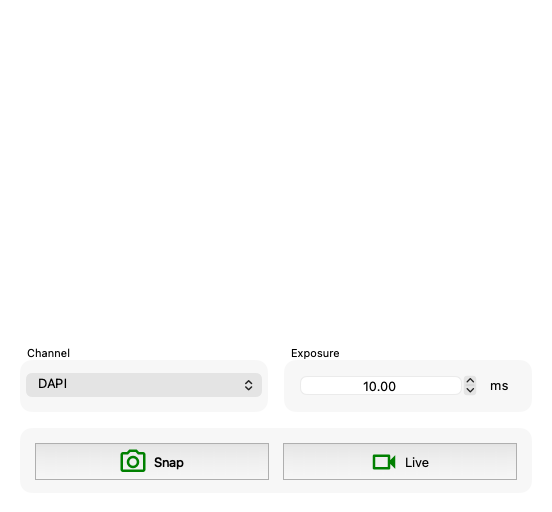
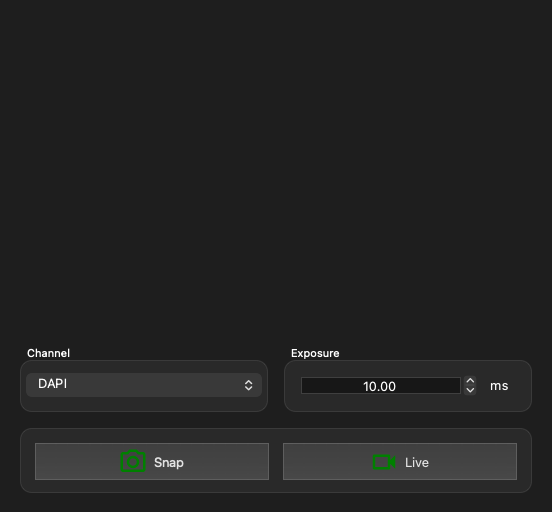
A Widget that displays the latest image from the core.
-
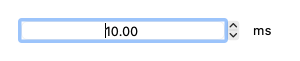
Spin box that shows and sets the exposure time (in ms) of a camera.
-
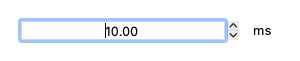
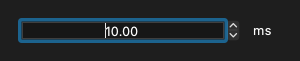
A Widget to get/set exposure on the default camera.
-
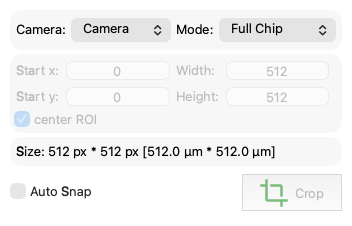
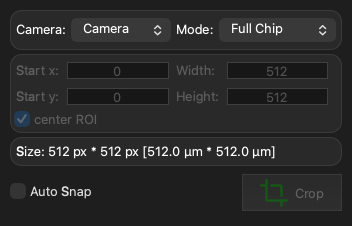
A Widget to control the camera device ROI.
Channels, objectives and presets
These widgets show (and change) the current state of the microscope: the channel, the objective, the preset of any configuration group, and the shutters.
-


Combo box that shows and sets the current channel.
-


Combo box that chooses which configuration group is the channel group.
-


Combo box that shows and sets the current objective.
-
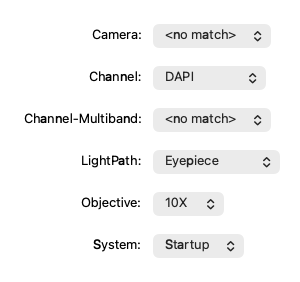
Combo box that shows and sets the current preset of one configuration group.
-
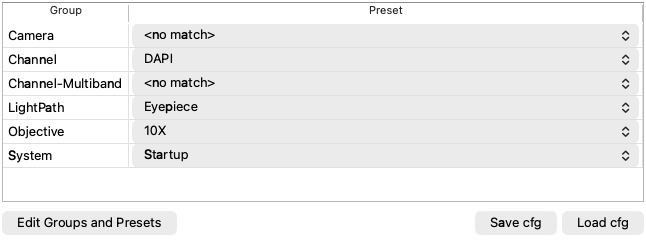
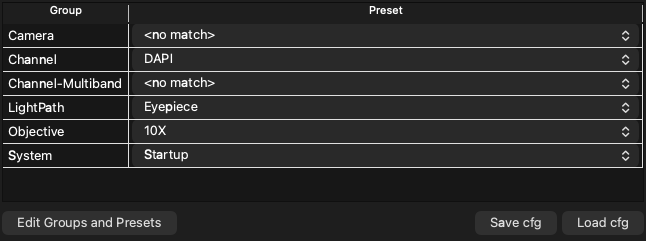
Table of all configuration groups, to view and set their presets.
-


Button that opens and closes a shutter, with an optional autoshutter checkbox.
Stages
Move an XY or Z stage, or explore the sample in a zoomable view of the stage, where snapped images appear at the position they were taken.
-
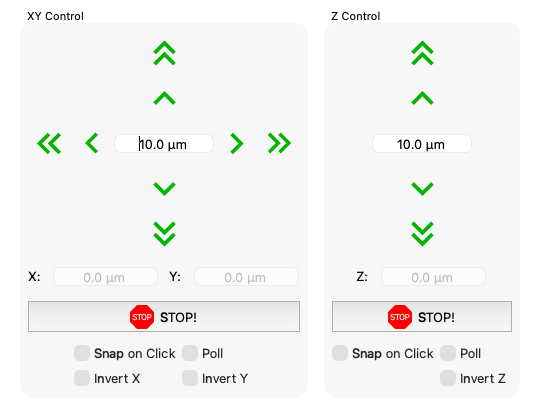
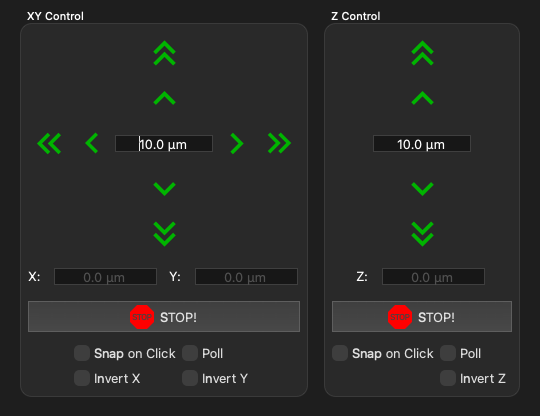
Arrow buttons to move an XY stage or a Z (focus) stage.
-
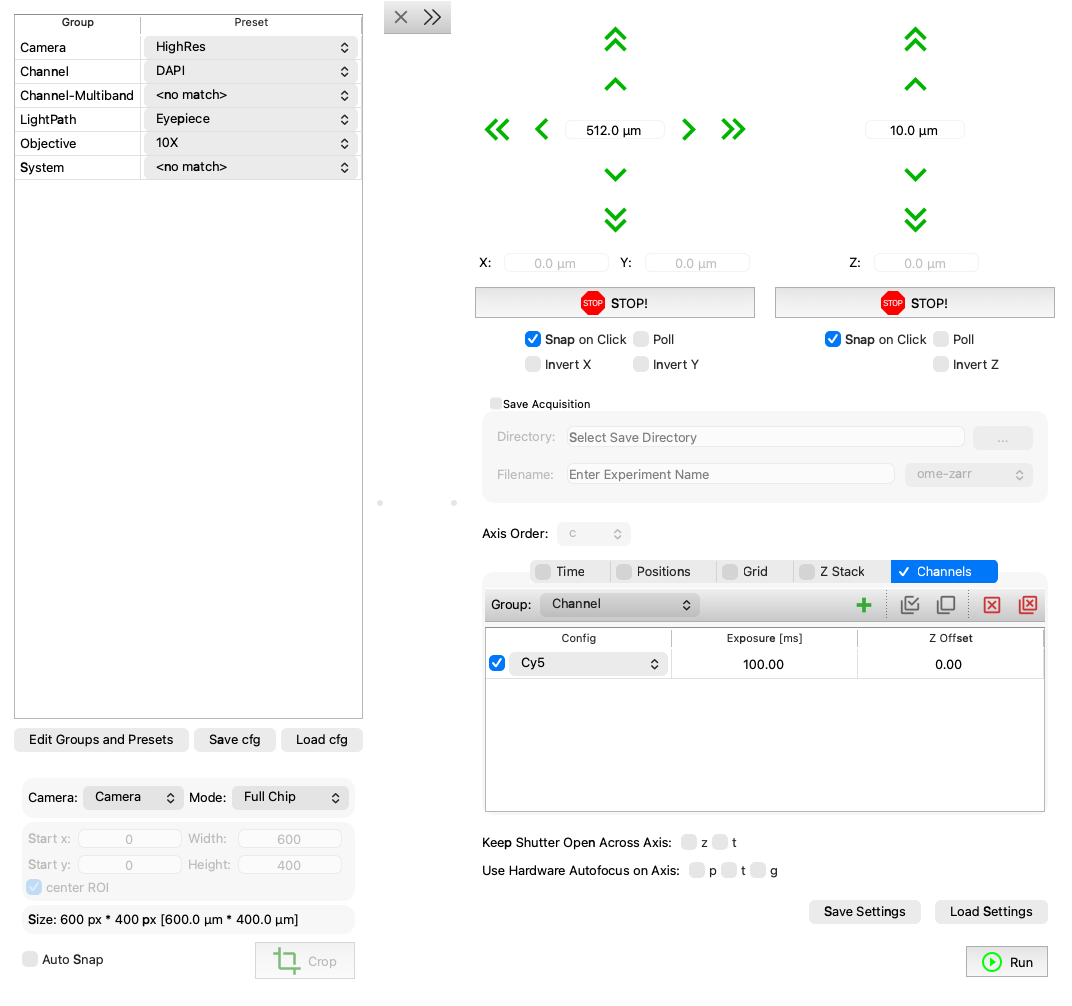
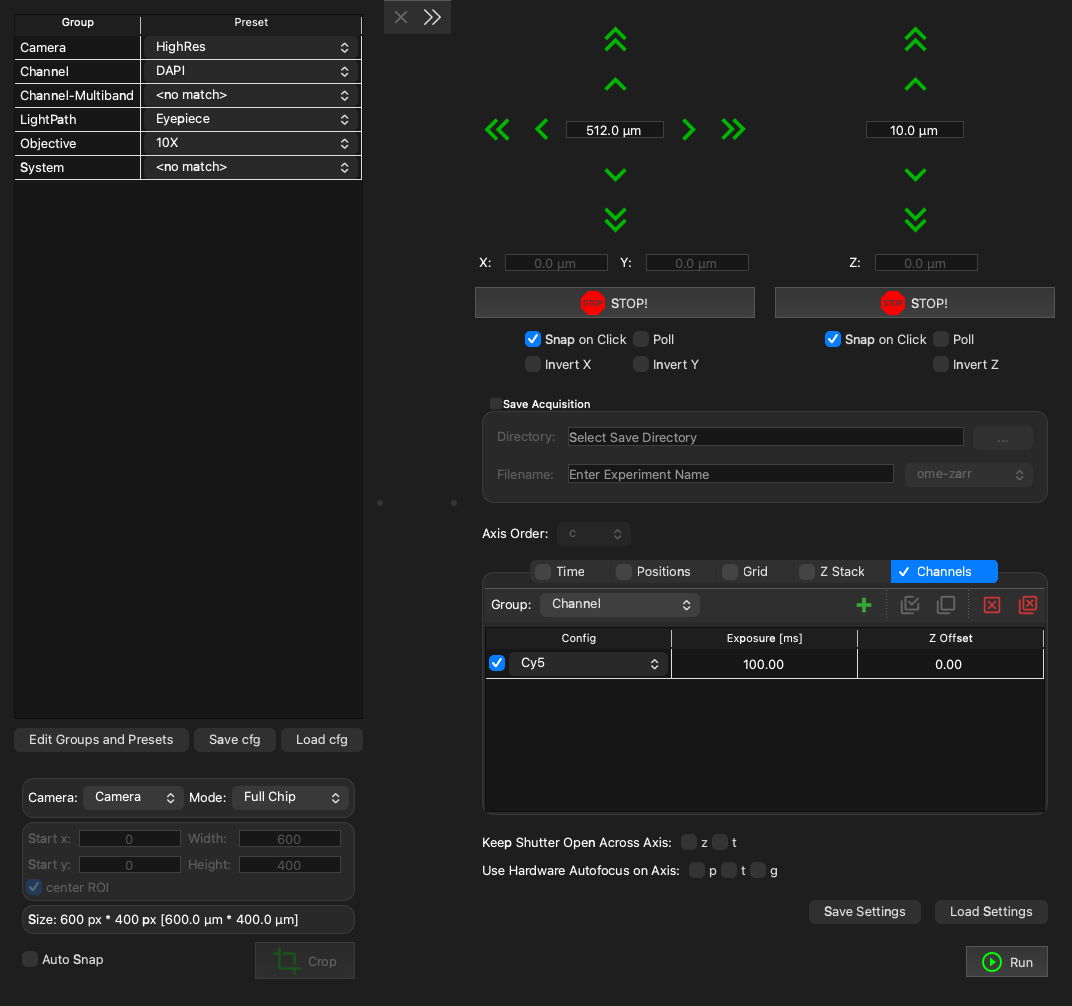
Zoomable view of the stage, where snapped images appear at their positions.
Devices and properties
View and change the properties of any of the loaded devices.
-
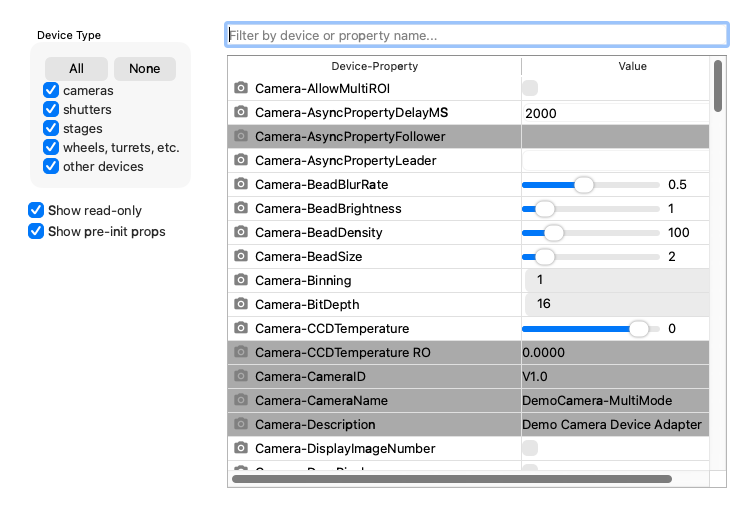
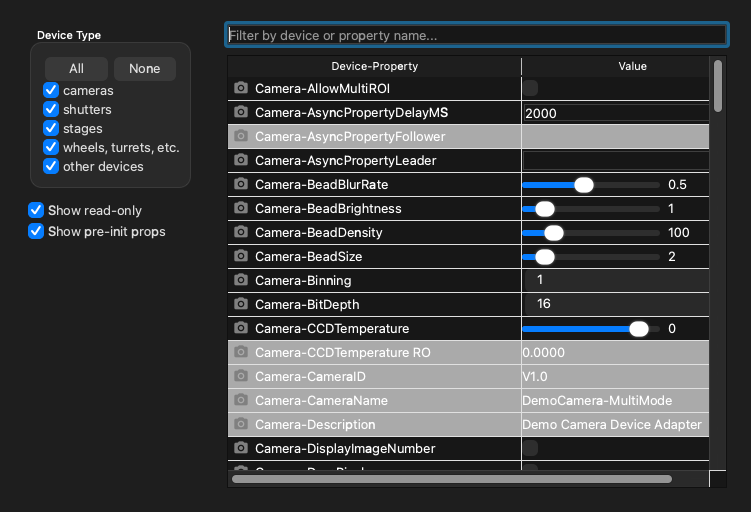
A Widget to browse and change properties of all devices.
-
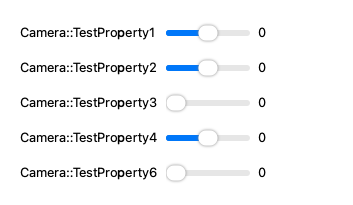
Controls for a filtered set of device properties (a PropertyWidget each).
-
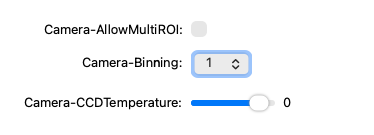
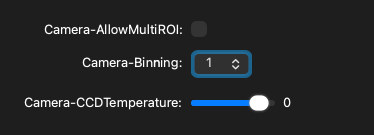
Widget to display and control a single device property.
Acquisition
Define a multi-dimensional acquisition (a useq.MDASequence) and run it on the
core. MDAWidget is the
MDASequenceWidget below, connected to a core.
It offers the core's channels, can add the current stage position, and has buttons to
run, pause and cancel the acquisition.
-
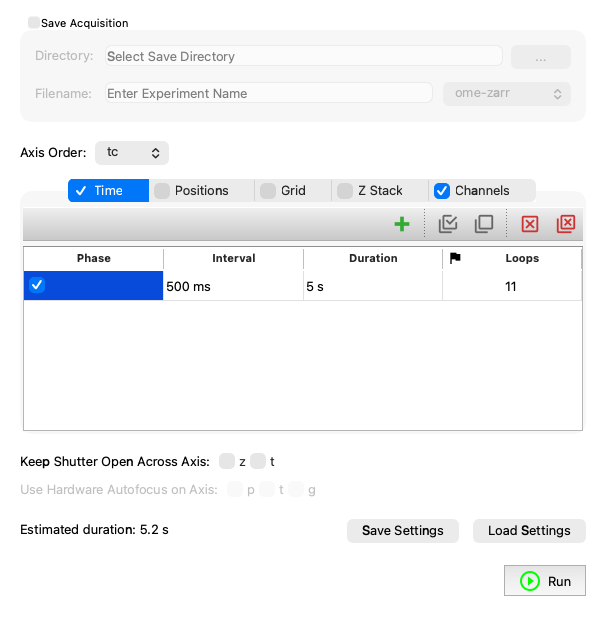
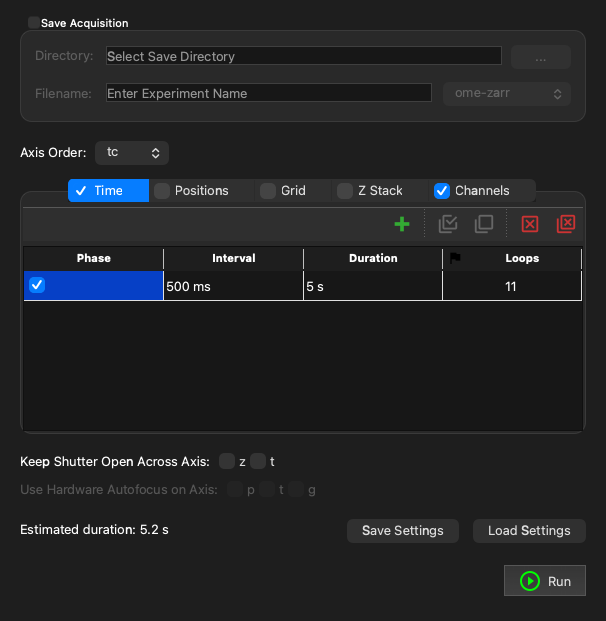
Main MDA Widget connected to a
pymmcore_plus.CMMCorePlusinstance. -
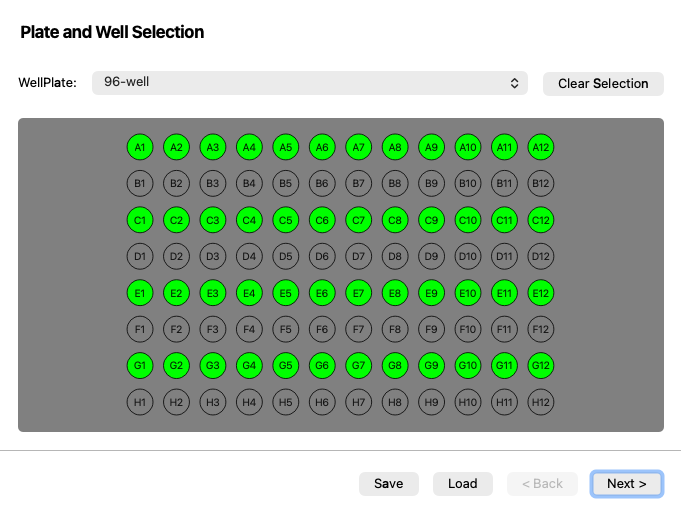
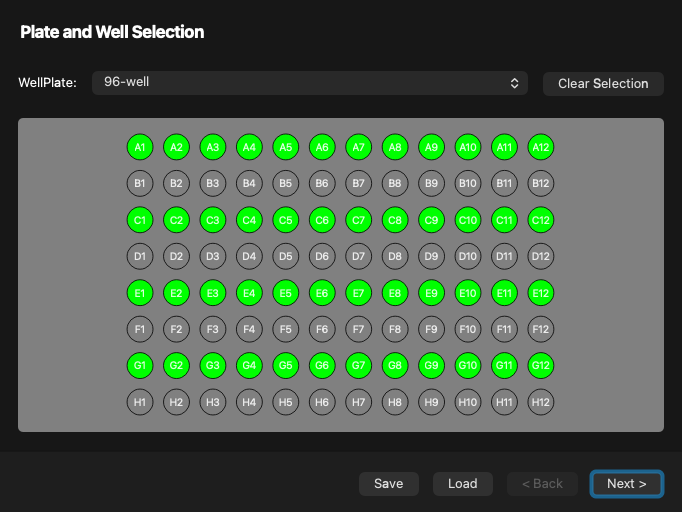
A wizard to set up a high-content screening (HCS) experiment.
Sequence editors
No core needed
These widgets edit useq objects and don't touch the microscope. Read the
result with value(), set it with setValue(), and connect to valueChanged
to hear about changes. Use them to describe an experiment in your own GUI; to
run one, pass the sequence to
CMMCorePlus.run_mda (or use the
MDAWidget above).
-
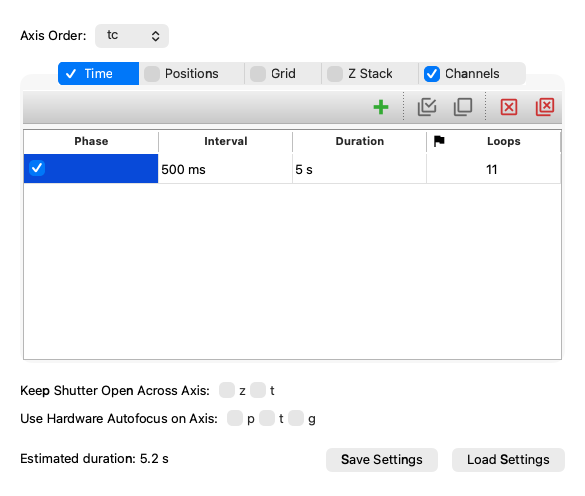
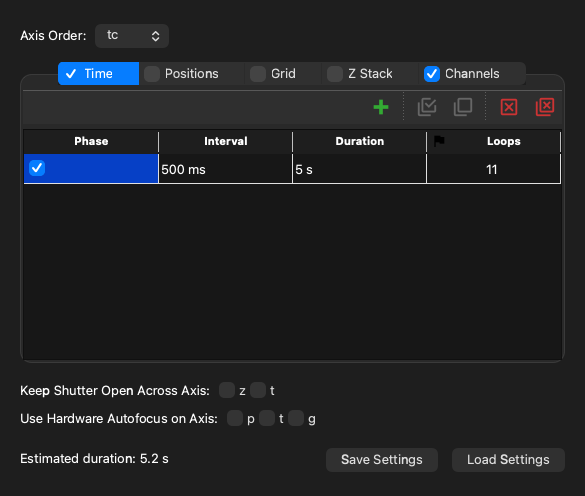
A widget that provides a GUI to construct and edit a
useq.MDASequence. -
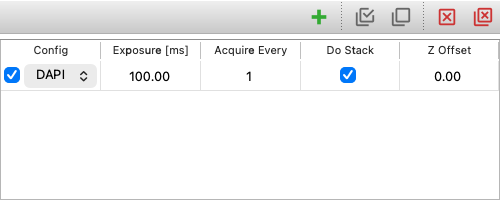
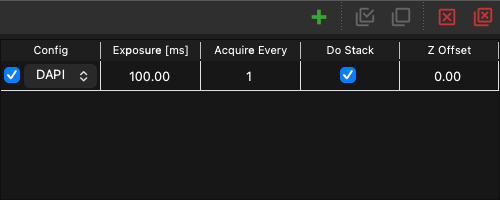
Table to edit a list of channels (
useq.Channel). -
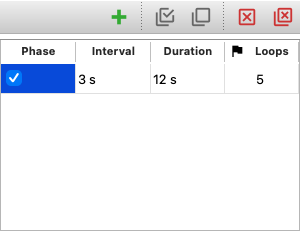
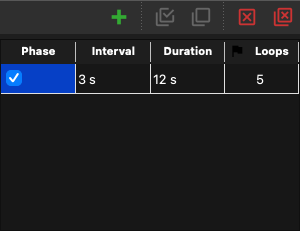
Table to edit a time plan (
useq.AnyTimePlan), one row per phase. -
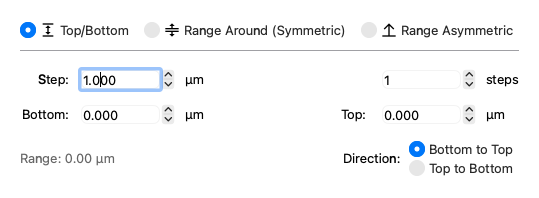
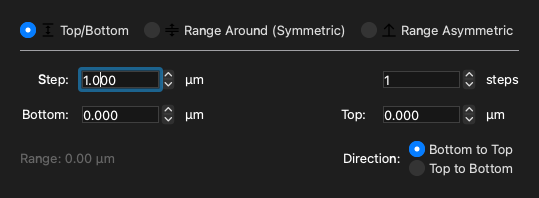
Widget to edit a z plan (
useq.AnyZPlan). -
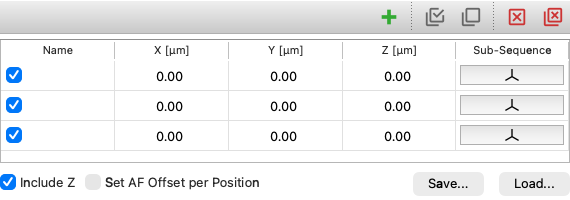
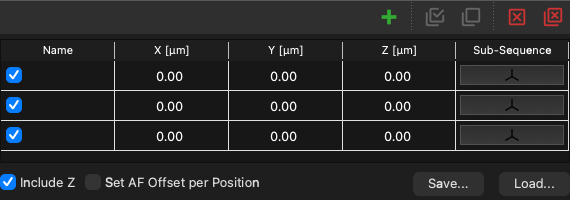
Table to edit a list of stage positions (
useq.Position). -
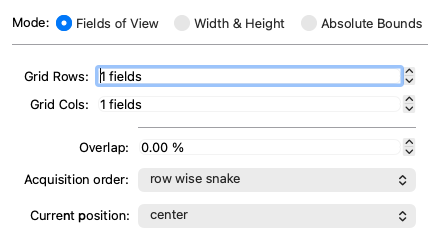
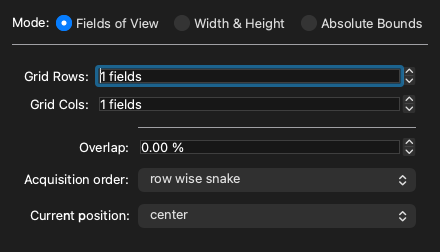
Widget to edit a grid plan.
Configuration and setup
Load, create and edit a configuration file (the
ConfigWizard is Micro-Manager's Hardware
Configuration Wizard), set pixel sizes, install device adapters, and watch the core's
log.
-


A Widget to select and load a Micro-Manager system configuration.
-
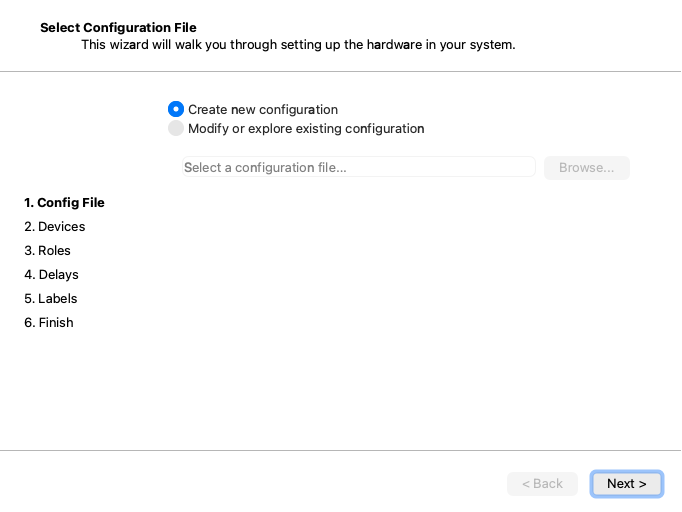
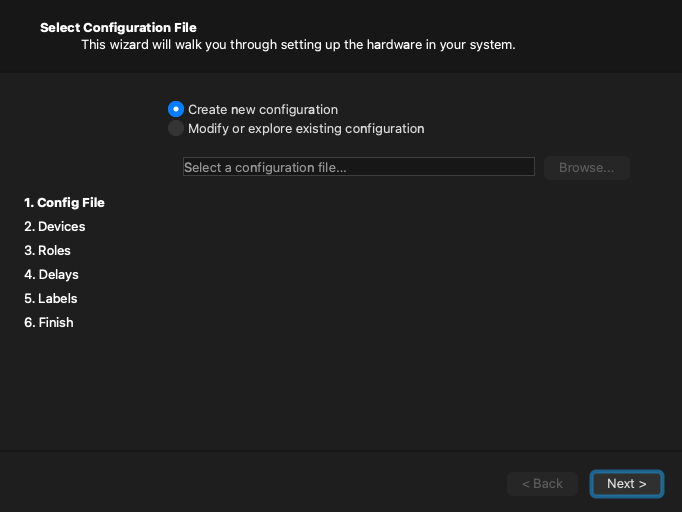
Hardware Configuration Wizard for Micro-Manager.
-
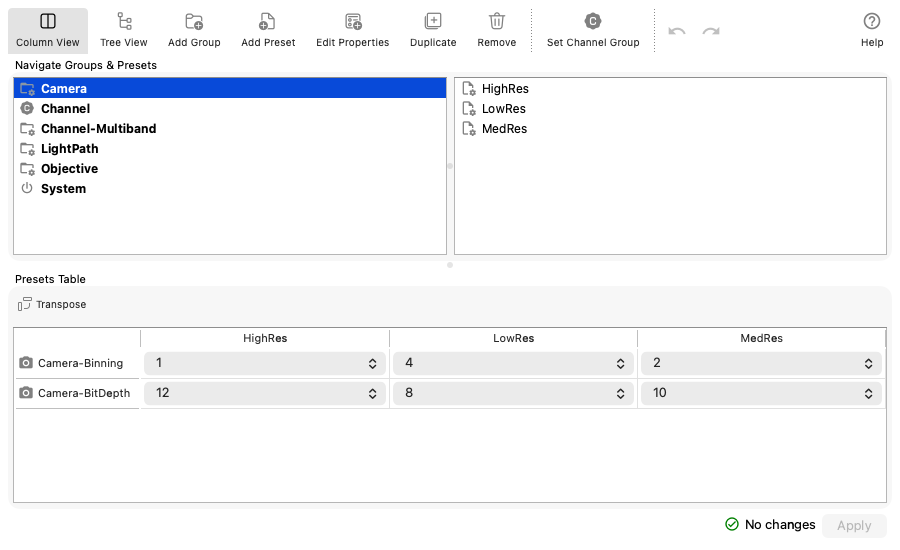
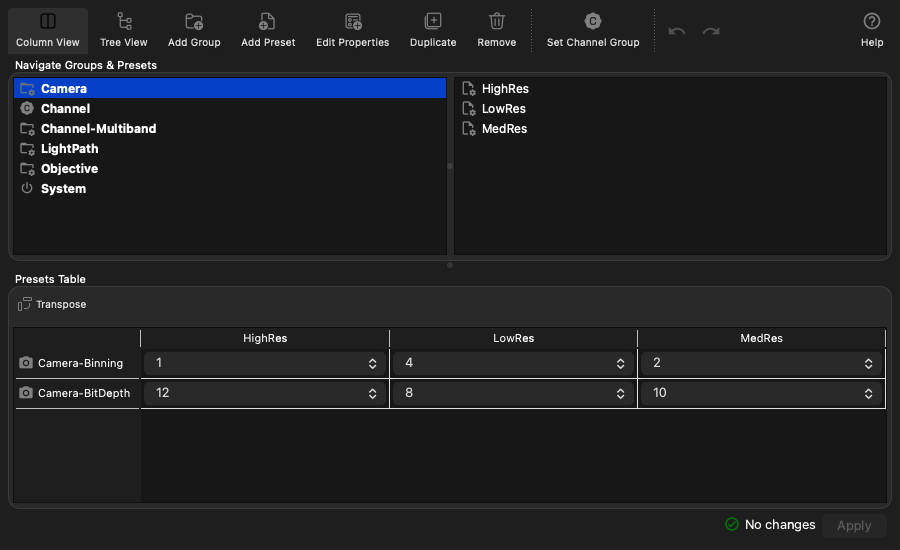
Editor for configuration groups and their presets.
-
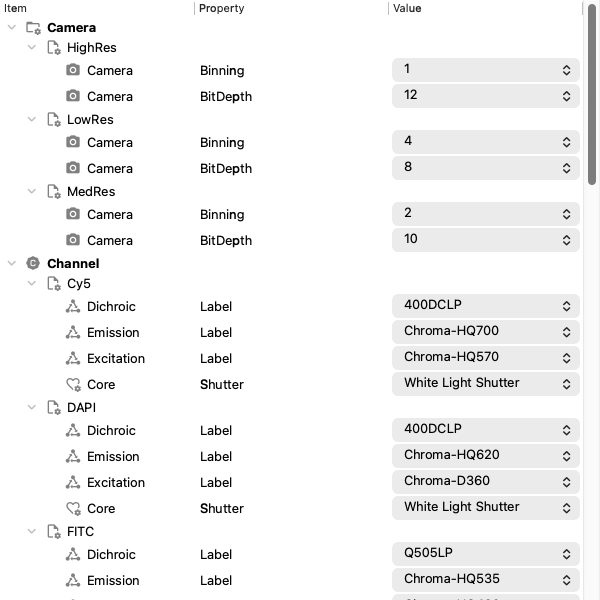
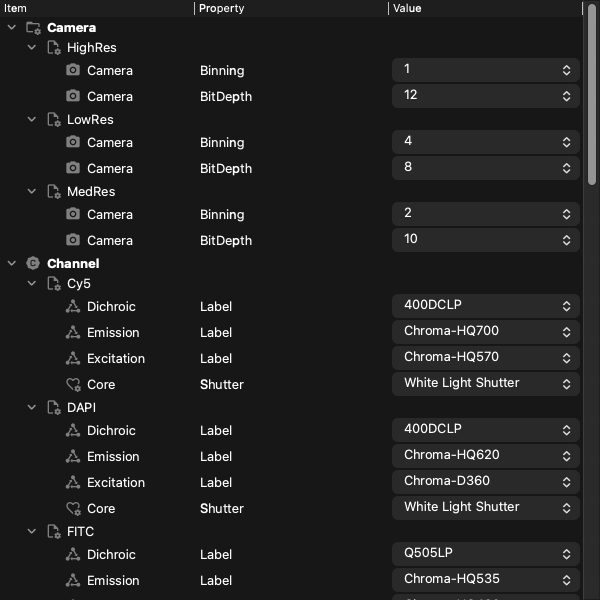
A tree widget that displays configuration groups.
-
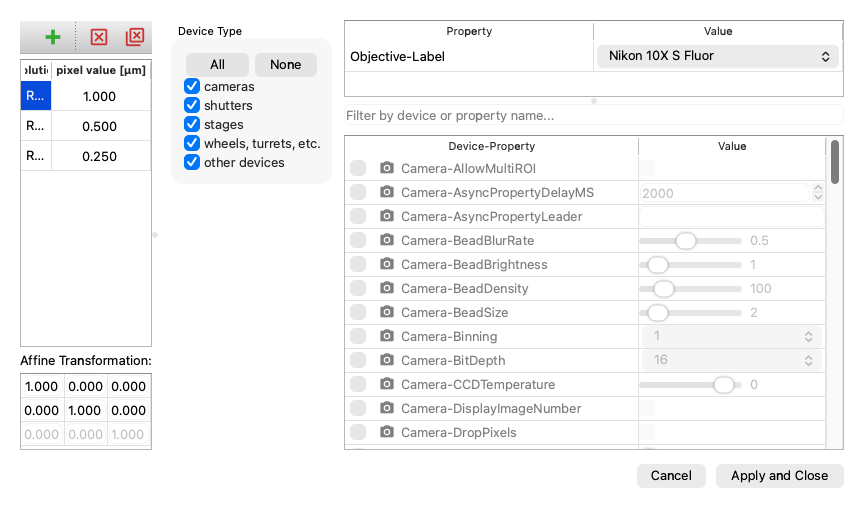
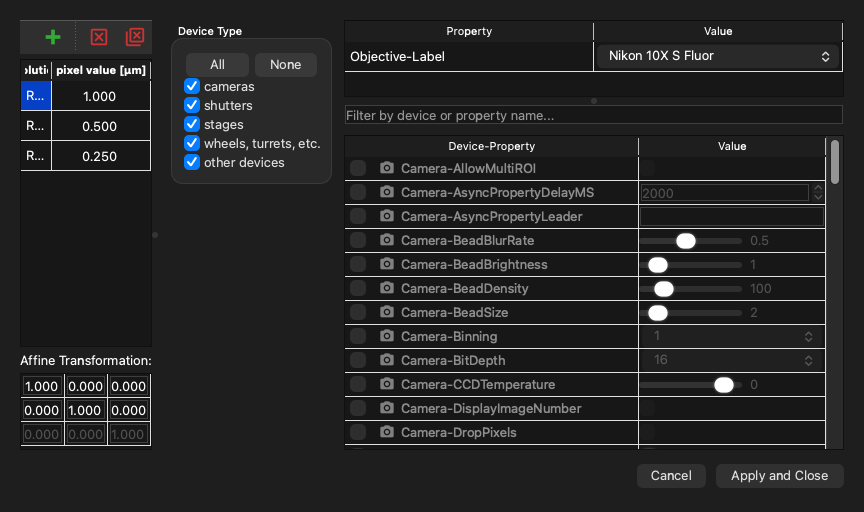
A Widget to define the pixel size configurations.
-
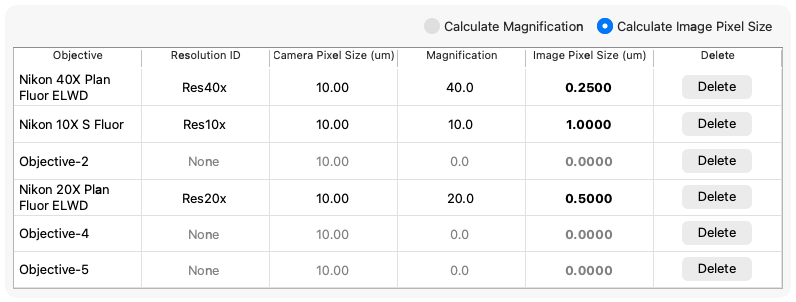
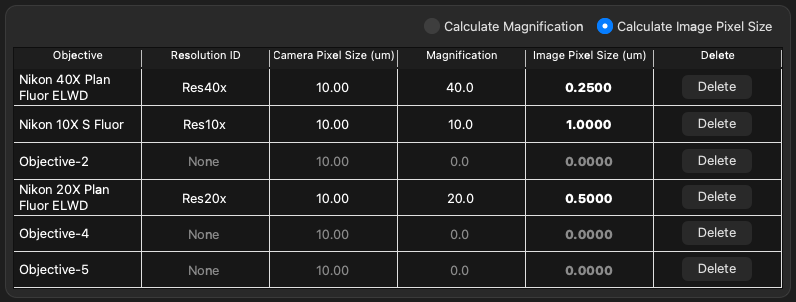
ObjectivesPixelConfigurationWidgetA Widget to define the pixel size configurations using the objective device.
-
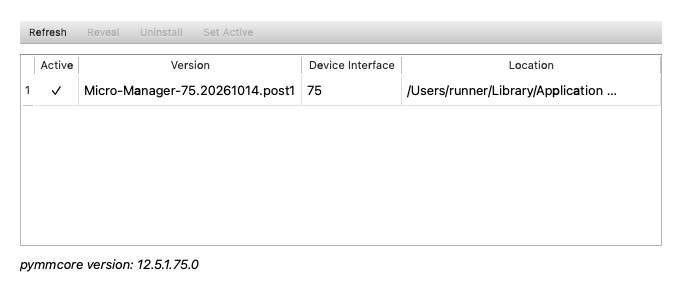
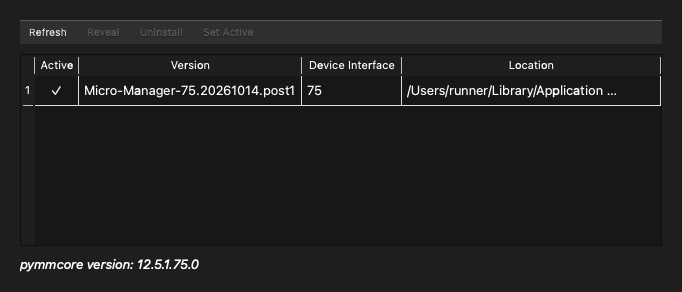
Widget to install Micro-Manager's device adapters (like
mmcore install). -
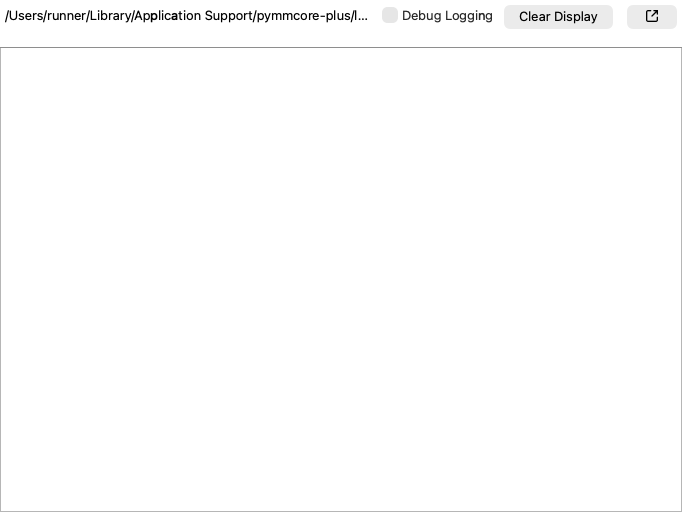
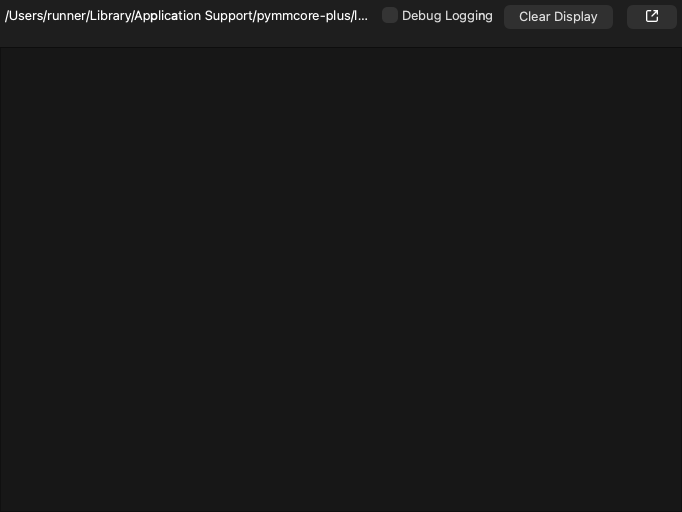
Live view of the core's log file.