
CoreLogWidget
Example
| examples/core_log_widget.py | |
|---|---|
API
Bases: QWidget
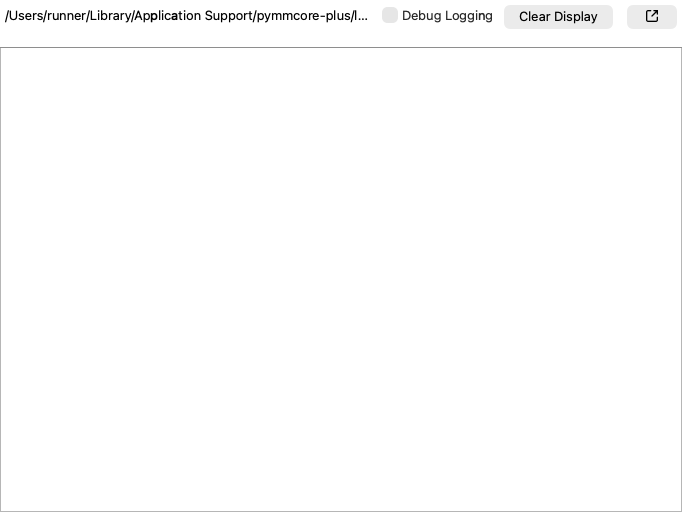
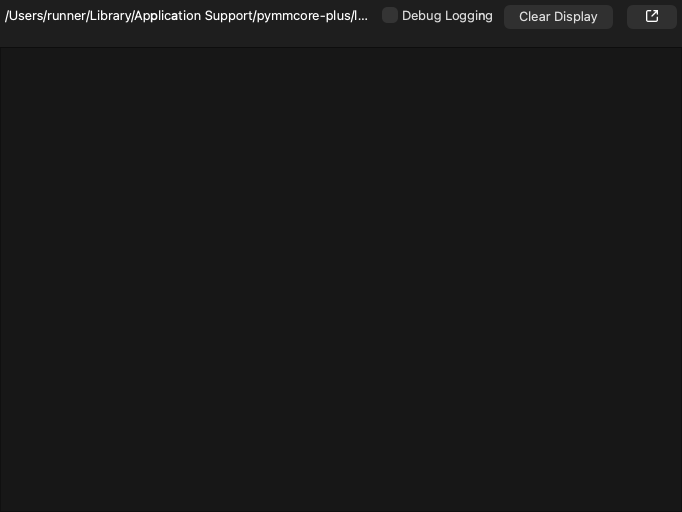
Live view of the core's log file.
It shows the end of the file when it opens, then follows new lines as they are written. There are buttons to pause, clear the view, and turn on debug logging.
Parameters:
| Name | Type | Description | Default |
|---|---|---|---|
path
|
str | None
|
Log file to show. By default, None, meaning the core's primary log file
( |
None
|
max_lines
|
int
|
Maximum number of lines kept in the view. By default, 5000. |
5000
|
parent
|
QWidget | None
|
Optional parent widget. By default, None. |
None
|
mmcore
|
CMMCorePlus | None
|
Optional |
None
|