
ZPlanWidget
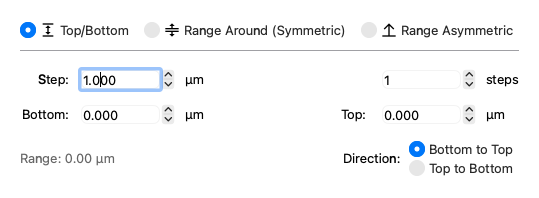
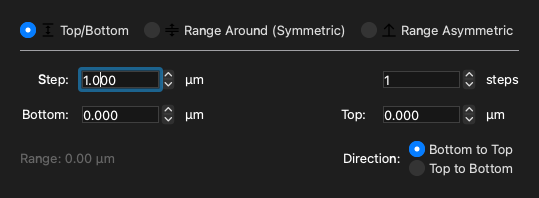
Example
API
Bases: QWidget
Widget to edit a z plan (useq.AnyZPlan).
Referenced by:
Returned by:
valueChanged = Signal(object)
Emitted with the new z plan (or None) when the widget changes.
Returned by:
Used by:
Set the current mode.
One of "top_bottom", "range_around", or "above_below".
Parameters:
| Name | Type | Description | Default |
|---|---|---|---|
mode
|
Mode | Literal['top_bottom', 'range_around', 'above_below'] | None
|
The mode to set. By default, None. If None, the mode is determined by the sender().data(), for internal usage. |
required |
mode() -> Mode
Return the current mode.
One of "top_bottom", "range_around", or "above_below".
setSuggestedStep(value: float | None) -> None
Set the suggested z step size and update the button text.
value() -> ZAboveBelow | ZRangeAround | ZTopBottom | None
Return the current value of the widget as a z plan (useq.AnyZPlan).
Returns:
| Type | Description |
|---|---|
ZAboveBelow | ZRangeAround | ZTopBottom | None
|
The current z plan of the widget ( |
setValue(value: ZAboveBelow | ZRangeAround | ZTopBottom) -> None
Set the current value of the widget from a z plan (useq.AnyZPlan).
Parameters:
| Name | Type | Description | Default |
|---|---|---|---|
value
|
ZAboveBelow | ZRangeAround | ZTopBottom
|
The z plan to set. |
required |